
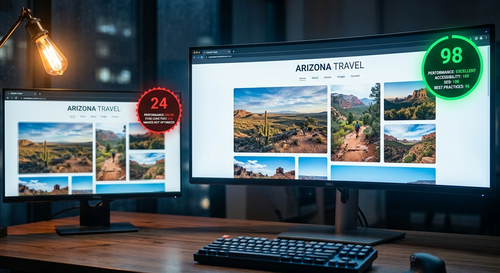
How to Optimize Images for Your Website Without Losing Quality
Slow websites lose visitors before they’ve seen a single word. And in most cases,
the images are why. This guide covers the exact steps — resizing, compressing,
choosing the right format, lazy loading, and more — that make a measurable
difference to load times without touching a line of code.
Read Full Article →
All Articles
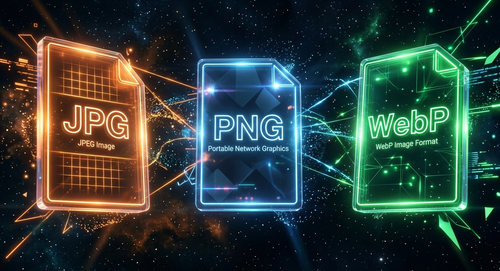
JPG vs PNG vs WebP — Which Image Format Should You Actually Use?
Three formats, completely different strengths. Here’s the plain-English breakdown
of when to use each one — including a decision guide for the most common situations
you’ll actually face.
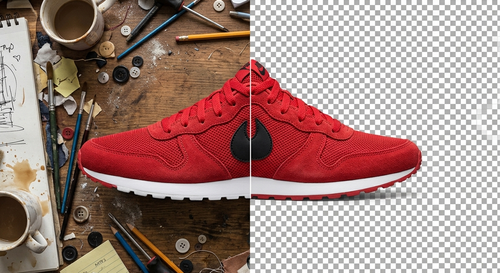
How to Remove an Image Background for Free Without Photoshop
You don’t need a $600 software subscription to get a clean cutout.
Here’s the complete guide — how it works, tips for better results,
and what to do with the transparent PNG you get back.

Best Instagram Caption Ideas That Actually Get More Engagement
The photo gets the look. The caption gets the comment, the save, and the follow. Here are 5 proven caption formulas, real examples for every post type, and the CTAs that actually work.
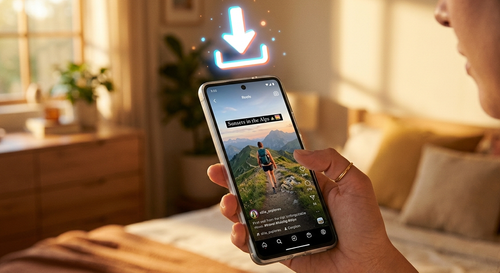
How to Save Instagram Videos to Your Phone — Complete Guide for 2025
Instagram’s save button gives you a bookmark, not a file. Here’s every method
that actually works — for Reels, Stories, feed videos, on iPhone and Android —
with no app to install.
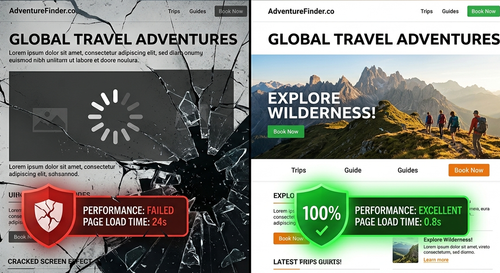
Why Your Website Images Are Slowing Down Your Site (And How to Fix It)
Images make up 80% of a typical page’s weight. If your site is slow, your images
are almost always why. Here are the 6 most common culprits, how to diagnose them,
and how to fix each one.